Comparison
Apps that show your phone’s notifications on Android TV, compared
Four apps can put your Android phone’s notifications on an Android TV or Google TV. They’re built for different people. Here’s how they compare on price, ads, calls and privacy.
Updated
Short answer
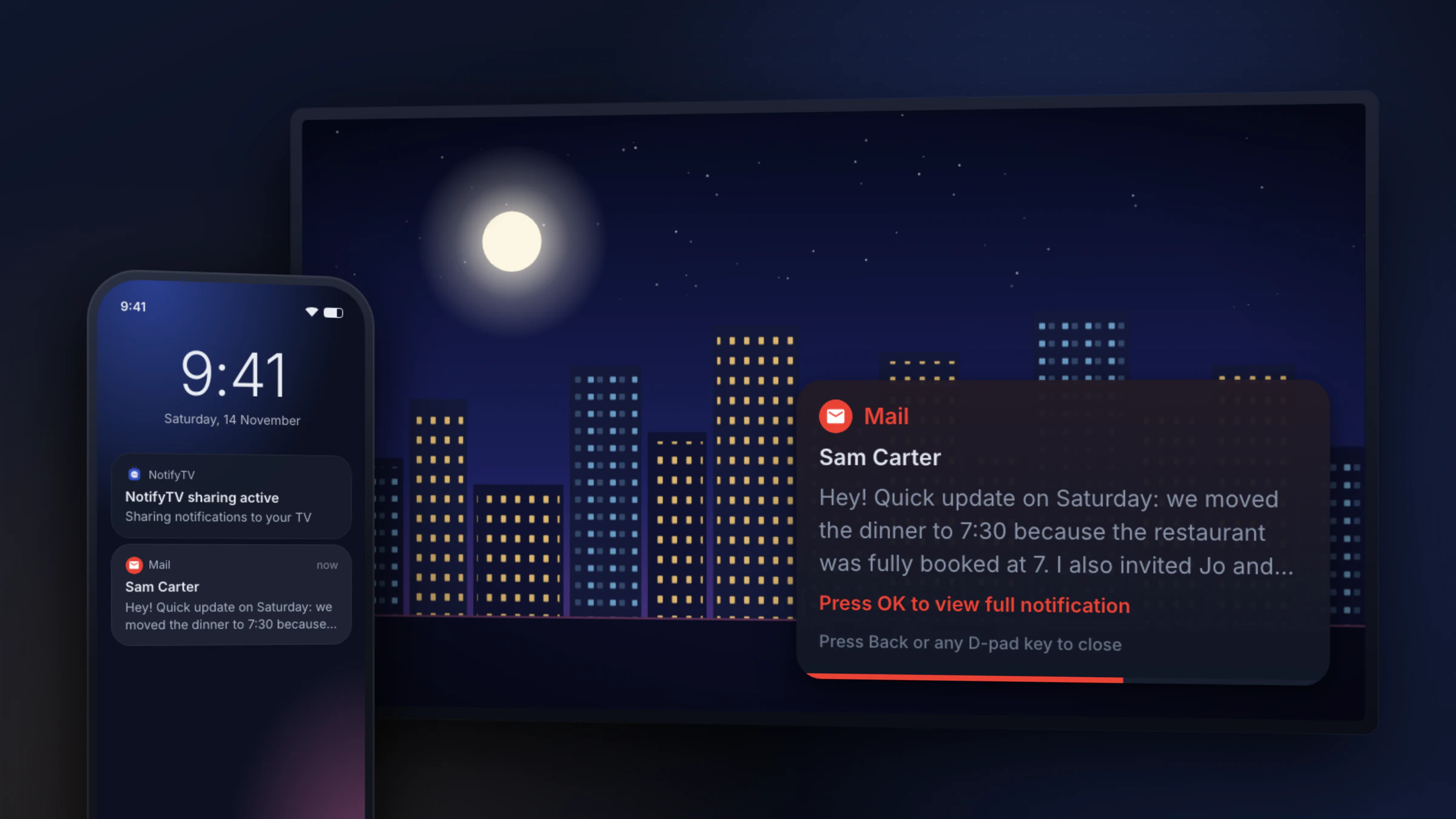
For calls and a shared family TV, NotifyTV is built for exactly that: caller names, Decline for phone calls from the remote, several phones on one TV and hidden one-time codes, all free (it shows ads). For smart-home automation, TvOverlay or Android TV Notifier fit better. Notifications for Android TV is the most established, with a paid Premium.
We make NotifyTV, so we’ve kept this to facts from each app’s Google Play listing and developer site, checked on 10 October 2026. Features and prices change; if something here is out of date, tell us and we’ll fix it.
Side by side
| NotifyTV | Notifications for Android TV | Android TV Notifier | TvOverlay + TvOverlay Remote | |
|---|---|---|---|---|
| Price | Free, every feature included | Free with limits after a 2-day trial; Premium €3.99 one-time | Free; small in-app purchase ($0.49) | Free; Premium about $5.99 |
| Ads | Yes (in-app banners; occasional sponsored card among TV popups) | Yes, in the free version | None listed | Not listed |
| Phone needs | Android 8.0+ | Android 11+ | Android 7+ | Not listed |
| Incoming calls on TV | Caller name; Decline phone calls from the remote | Shows incoming and outgoing calls | Not in the Google Play version (call and SMS access is limited by Google Play policy) | Not listed |
| Hide one-time codes | Yes, on by default | Privacy mode | Not listed | Not listed |
| Several phones on one TV | Yes, each popup labelled | Not listed | Not listed | Not listed |
| Find my phone, battery alerts | Yes | Not listed | Not listed | Not listed |
| Automation (Tasker, Home Assistant) | No | No | Tasker and MacroDroid | REST API, MQTT, Home Assistant |
| Fire TV | No | Separate Fire TV app | Listed as supported | Not listed |
| Last Play Store update | July 2026 | July 2025 | August 2026 | 2024–2025 (Remote: 2023) |
Checked 10 October 2026. “Not listed” means we couldn’t find it in the app’s listing or documentation.
Which one should you pick?
Best for calls and families
NotifyTV
Caller names for SIM and app calls, Decline from the remote for phone calls, several phones per TV, find-my-phone and battery alerts, with privacy defaults for a shared screen. Free, with ads.
Most established
Notifications for Android TV
The most installed app in this list, with a Fire TV version. Settings are limited after the trial unless you buy Premium, and it needs Android 11 or newer on the phone.
Best for automation
Android TV Notifier
Works with Tasker and MacroDroid for custom popups, at a very low price. The Google Play version can’t show calls or SMS.
Best for Home Assistant
TvOverlay
An overlay engine for smart-home dashboards, notifications from Home Assistant and MQTT, with a phone companion app. Updated less often.
What about the built-in options?
- Google TV call notifications, added in 2024, only cover Google Meet calls, not your phone’s calls or messages.
- Sony Notify BRAVIA showed phone notifications on Bravia TVs but was discontinued in 2021.
- Samsung SmartThings shows alerts from SmartThings devices on Samsung TVs, not your phone’s notifications. None of the apps above run on Samsung’s Tizen TVs.
- Screen mirroring shows your whole phone screen instead of what you’re watching. See notifications without mirroring.