Guides
Guides for phone alerts on Android TV and Google TV
Practical answers for getting calls, WhatsApp messages and other notifications from your Android phone onto your TV, and choosing the right app.
Calls
See who’s calling while you watch, or fix caller ID that stopped showing on the TV.
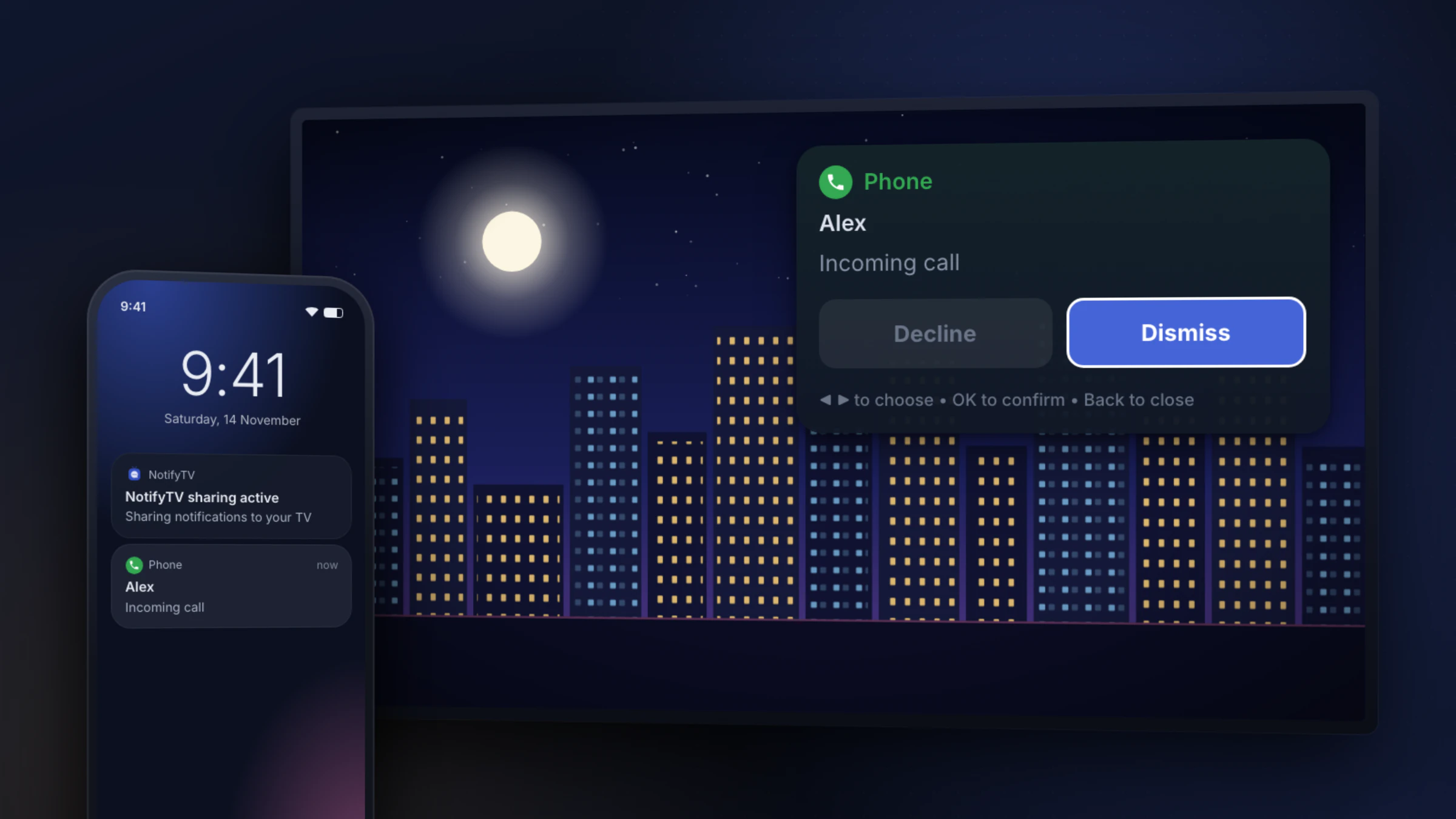
Caller ID on your TV: see who’s calling
Caller name on your Android TV or Google TV for SIM and WhatsApp calls, and Decline from the remote.
Read the guide →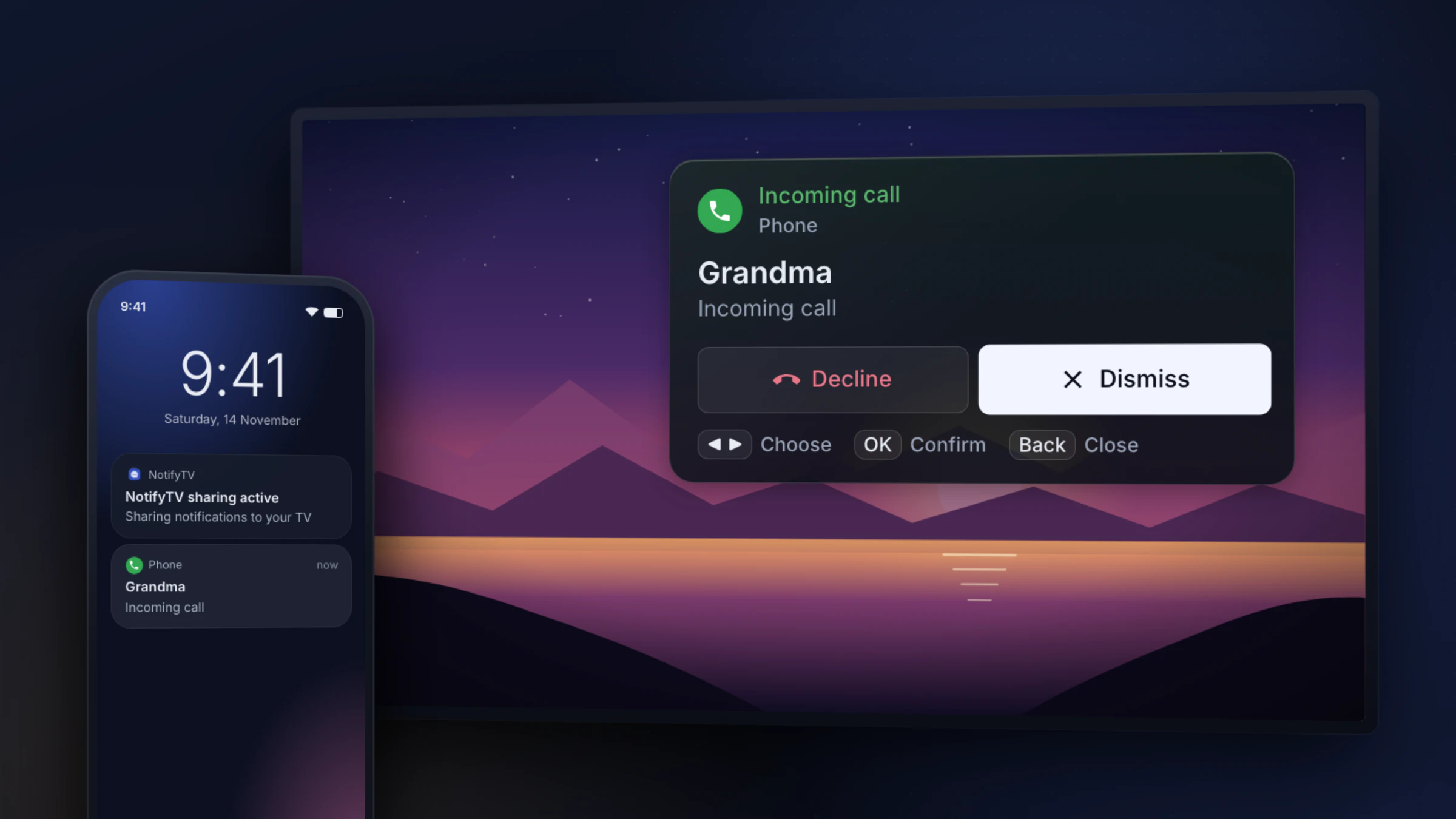
Caller ID on your TV stopped working?
Fixes for Xfinity, Spectrum, Fios and other providers, and caller ID for your mobile’s calls on a Google TV.
Read the guide →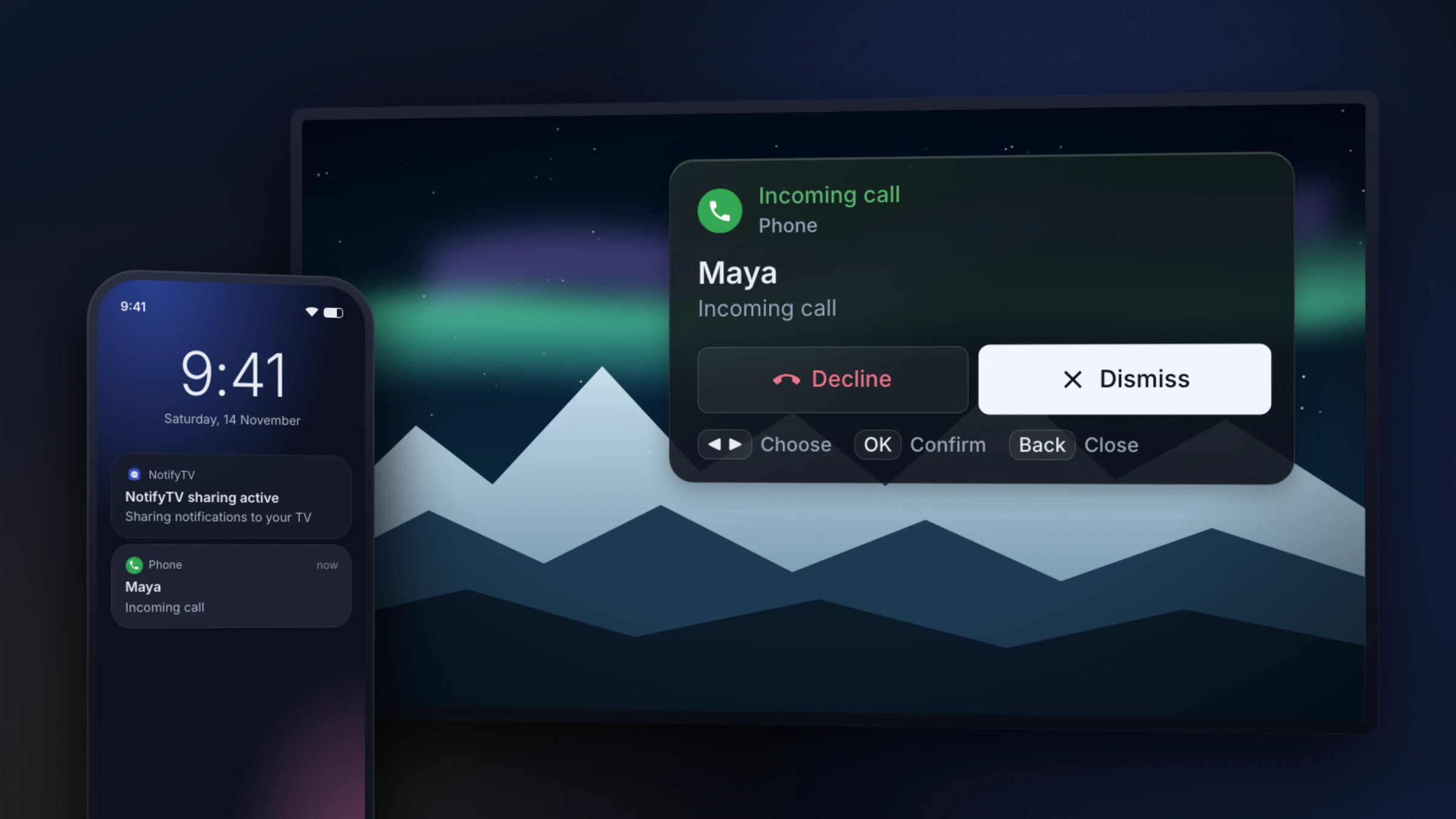
Which TVs can show your phone’s calls?
Apple TV, Google TV, Samsung, LG, Roku and Fire TV checked one by one: what’s built in, what needs an app, with sources.
Read the guide →
WhatsApp and messages
Get WhatsApp and other messages onto the TV, on any brand, without mirroring your whole phone.
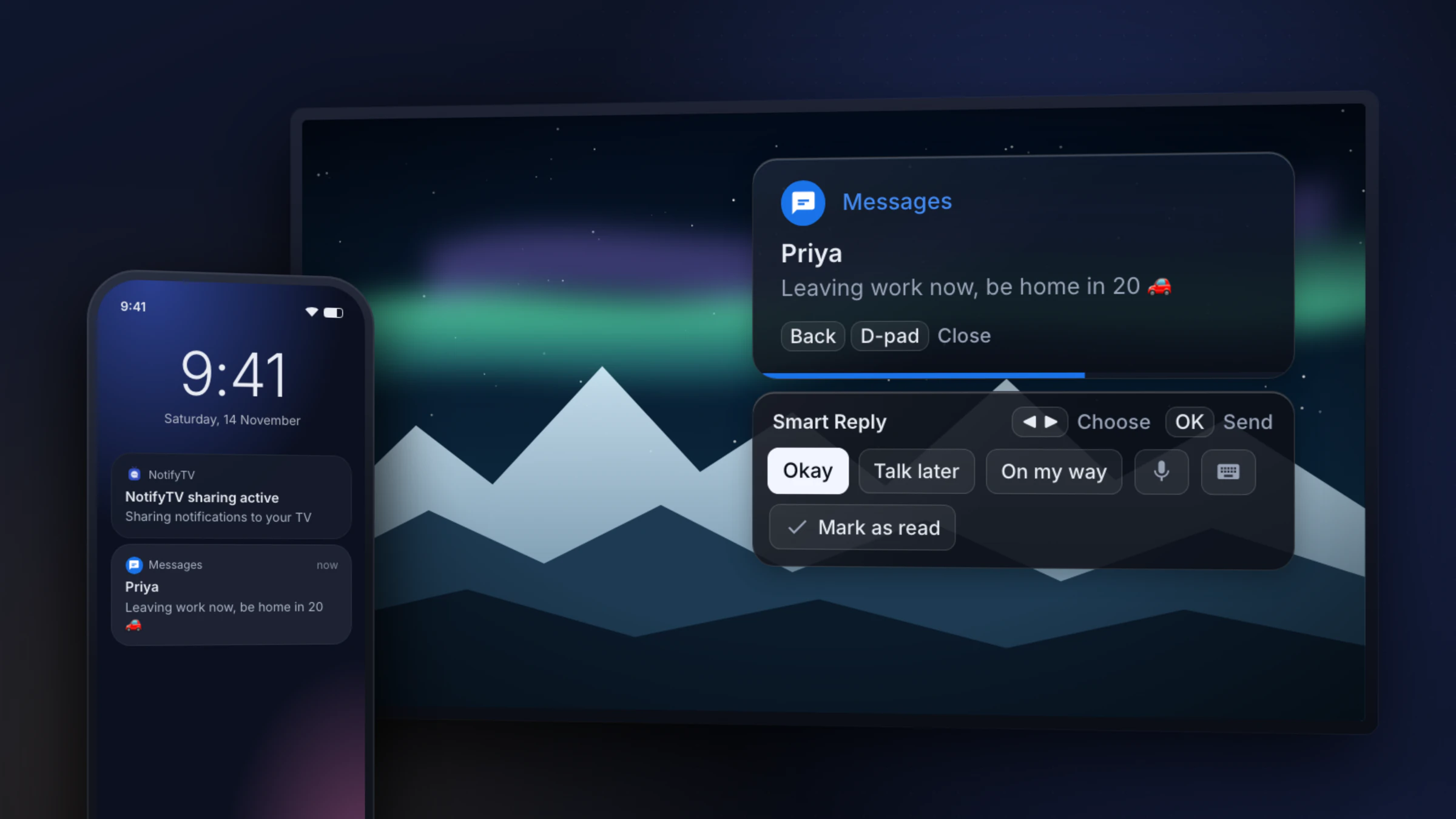
How to see and reply to text messages on your TV
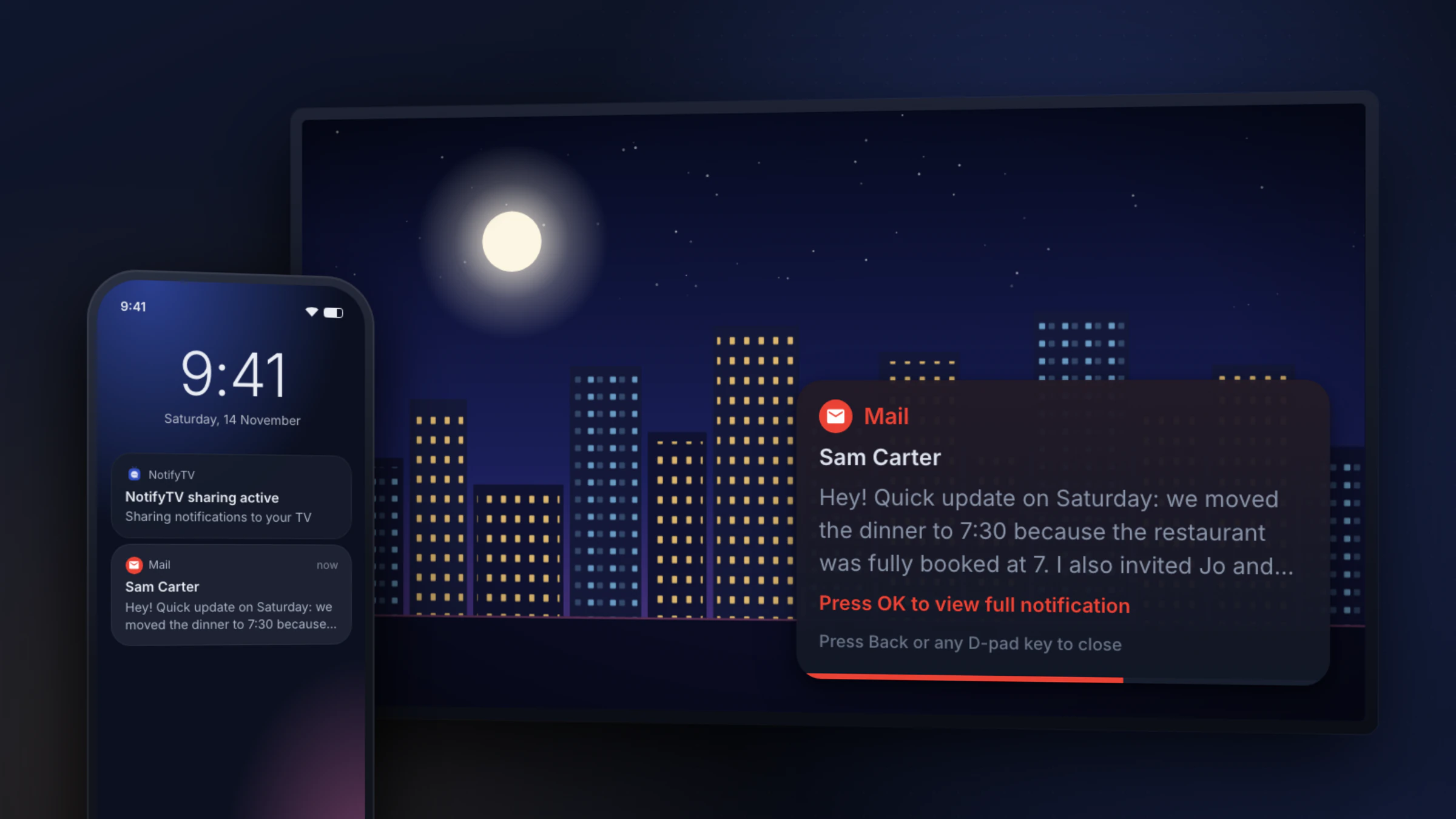
Texts on your Android TV or Google TV screen, and replies from the remote with Smart Reply.
Read the guide →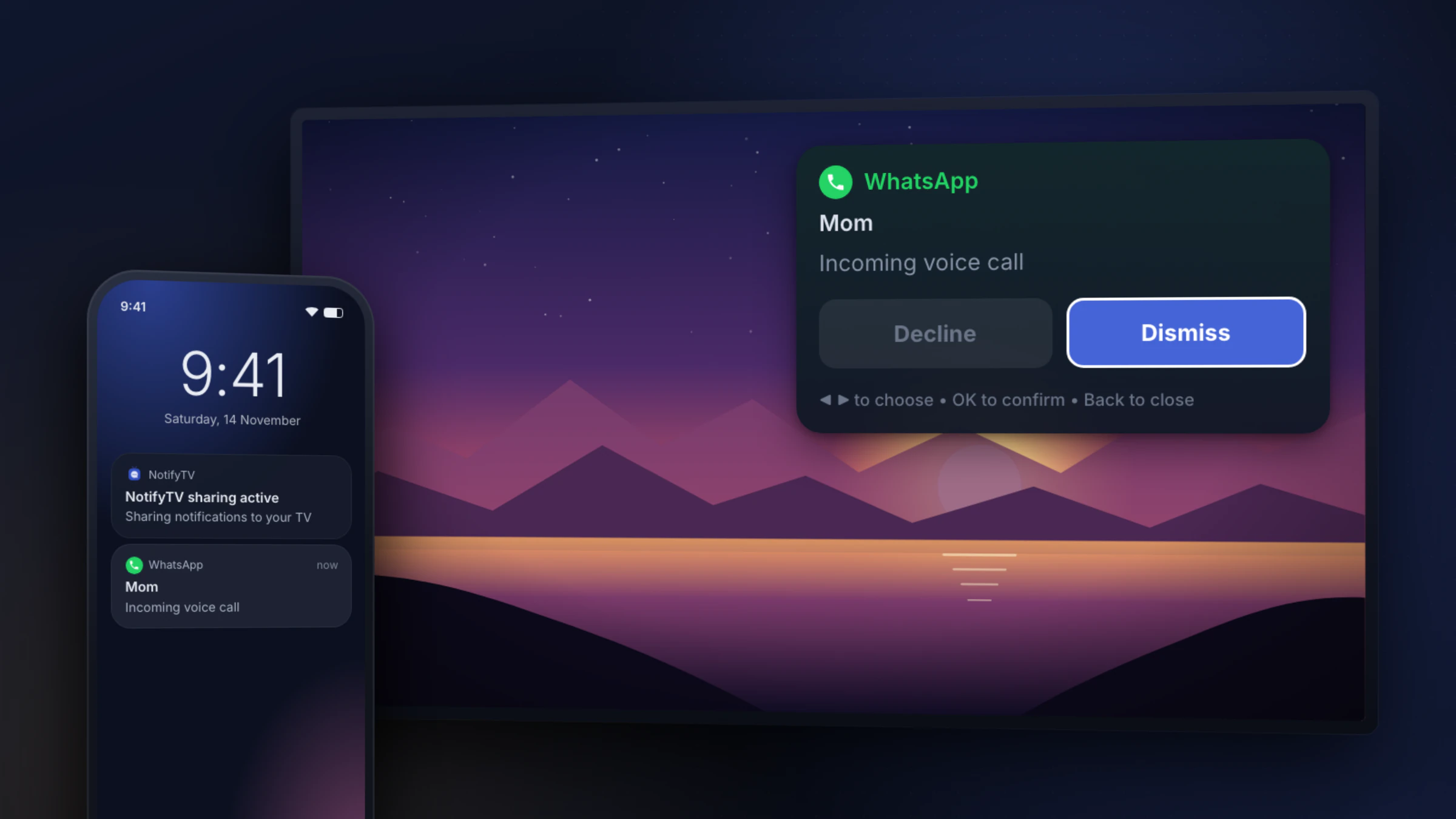
WhatsApp on Google TV: what actually works
There’s no official app. Here are the options, and how to get WhatsApp messages and calls on the TV.
Read the guide →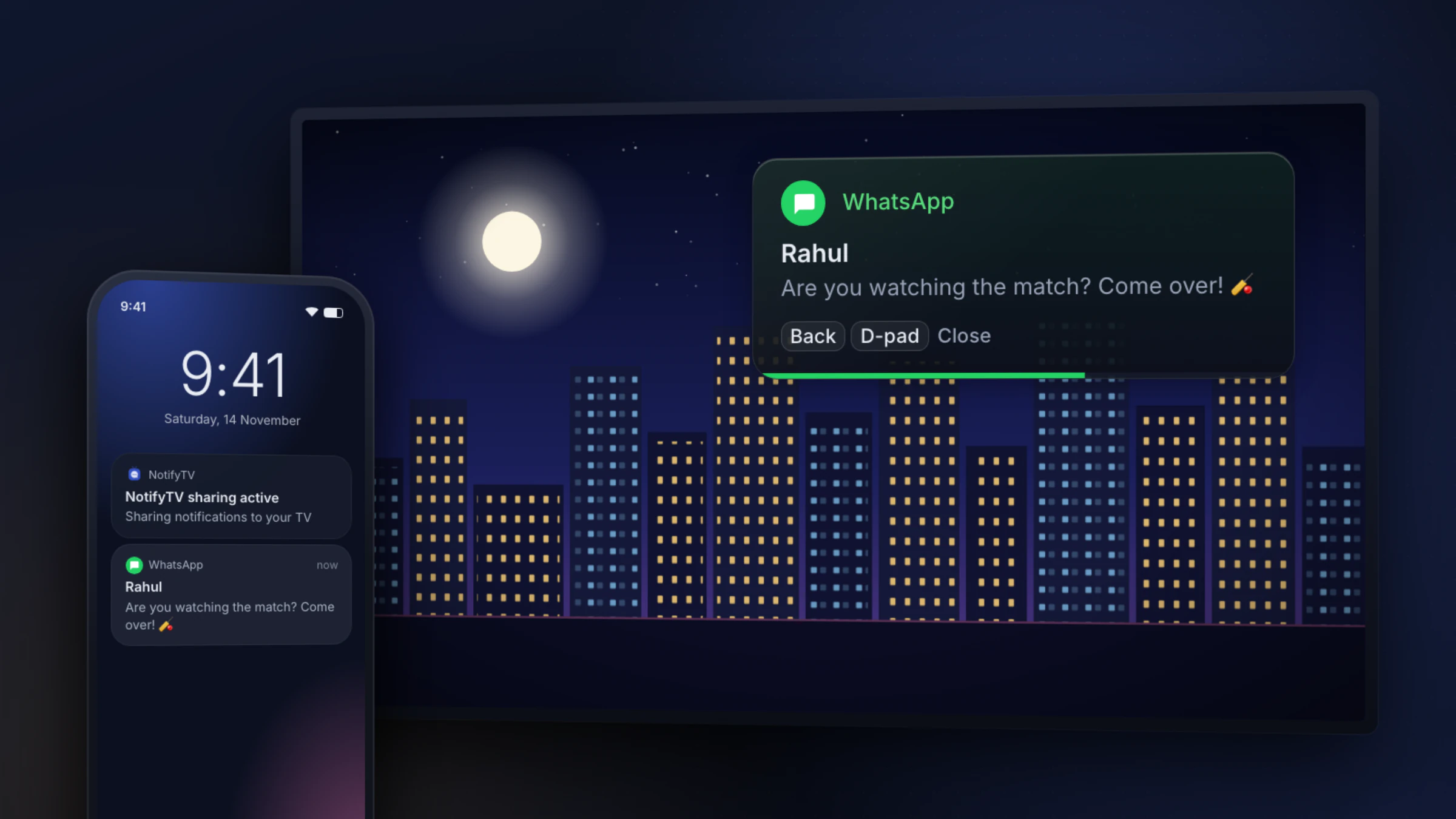
WhatsApp on a smart TV, brand by brand
Samsung, LG, Sony, Xiaomi, TCL and more: what works on each TV, from watching WhatsApp videos to message and call popups.
Read the guide →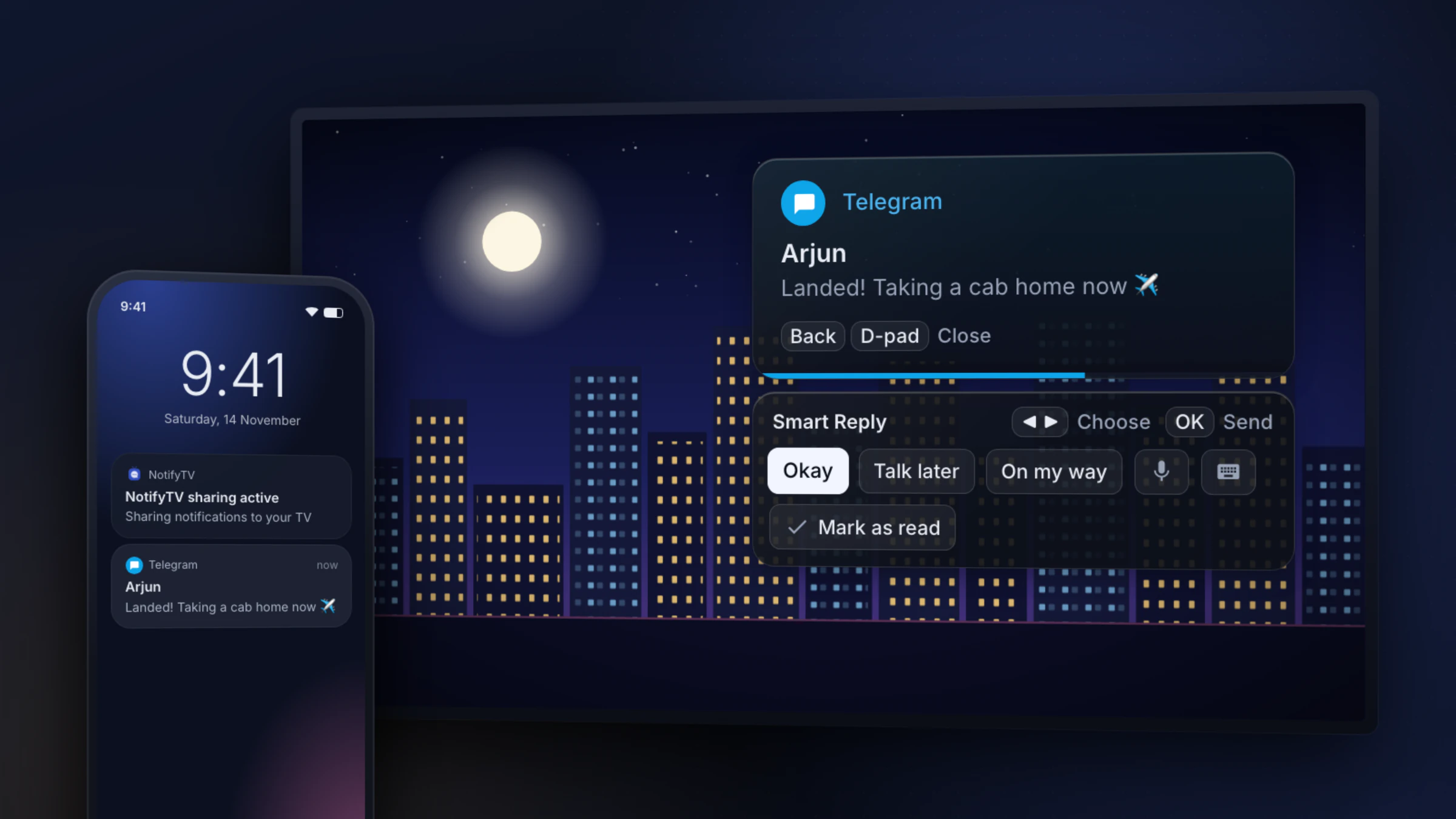
Telegram on Android TV & Google TV
No Telegram app for your TV? See what works, and reply to Telegram messages from the remote.
Read the guide →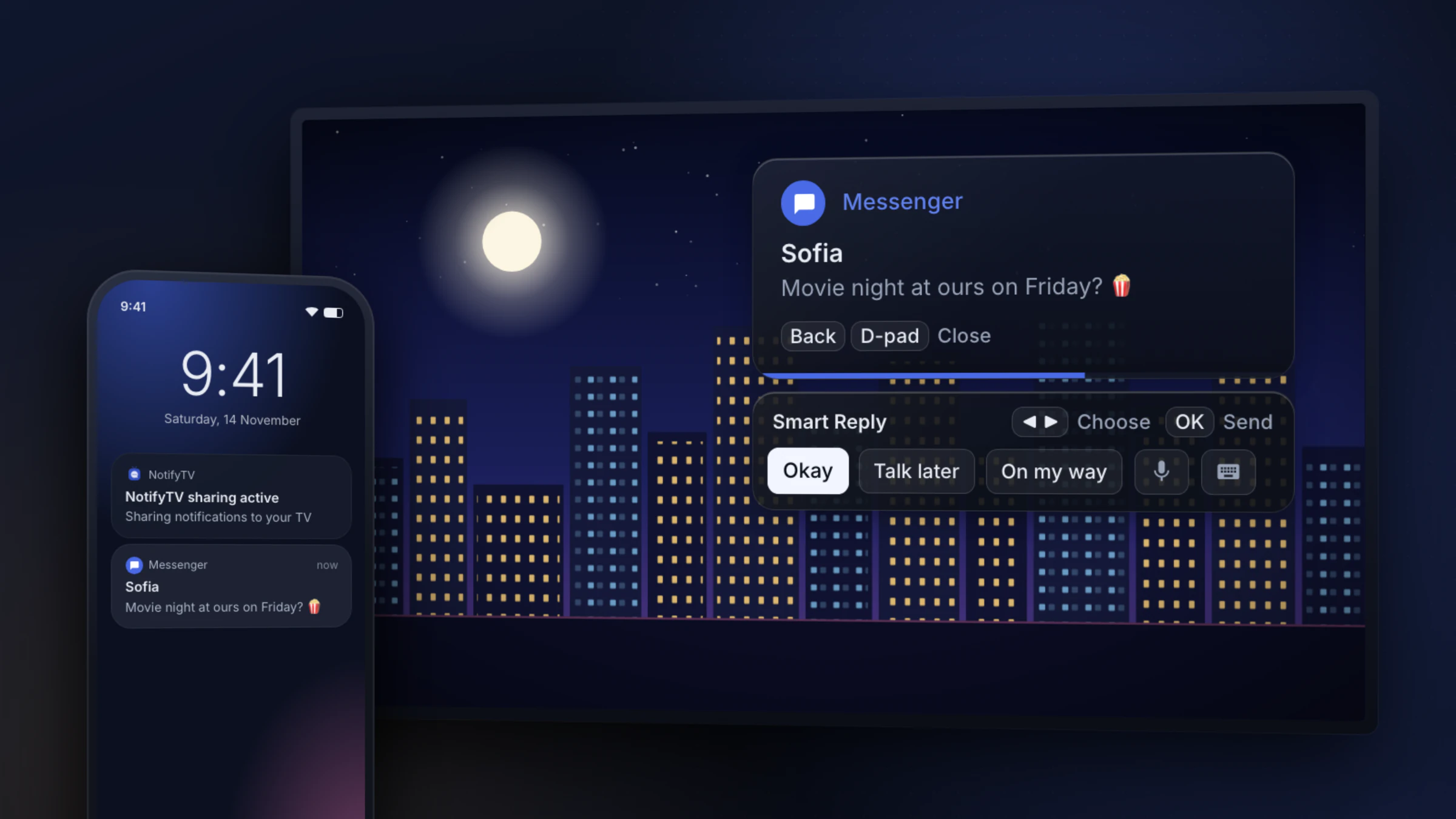
Facebook Messenger on Android TV & Google TV
No Messenger app for TVs? See Messenger messages and calls on the TV, and reply with the remote.
Read the guide →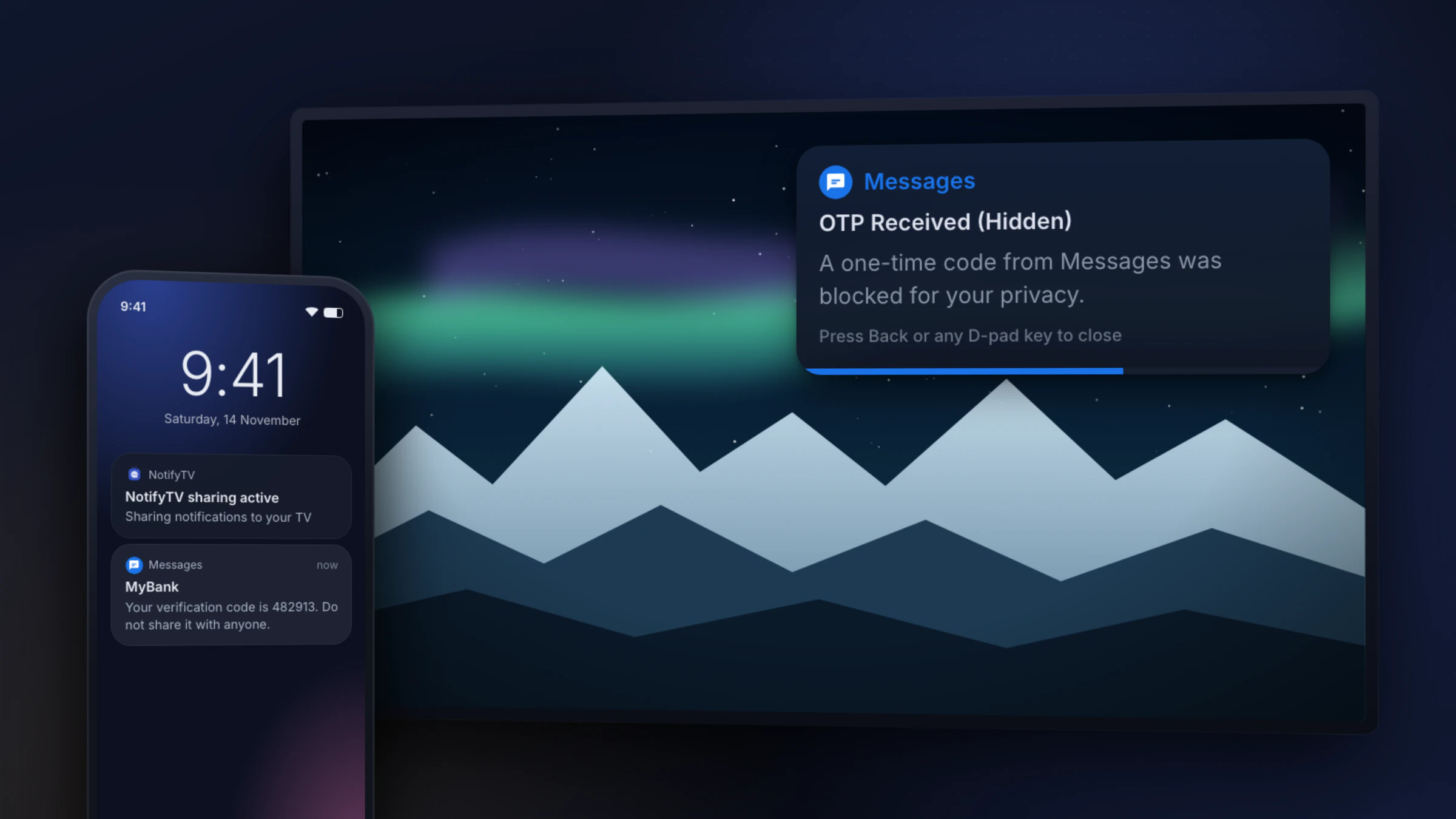
Show notifications on the TV without screen mirroring
Forward only the notifications you choose, and keep one-time codes off the big screen.
Read the guide →
Smart home
Alexa, Google Home and doorbell alerts on the TV: what your TV does by itself, and how to get the rest.
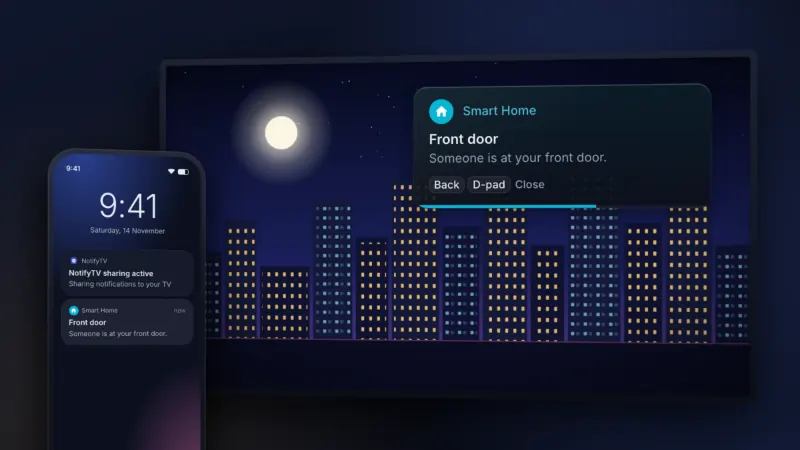
Doorbell alerts on Android TV and Google TV
Ring, Nest, Eufy and other doorbells: what Google TV shows by itself, and how to see any doorbell’s alert on the TV.
Read the article →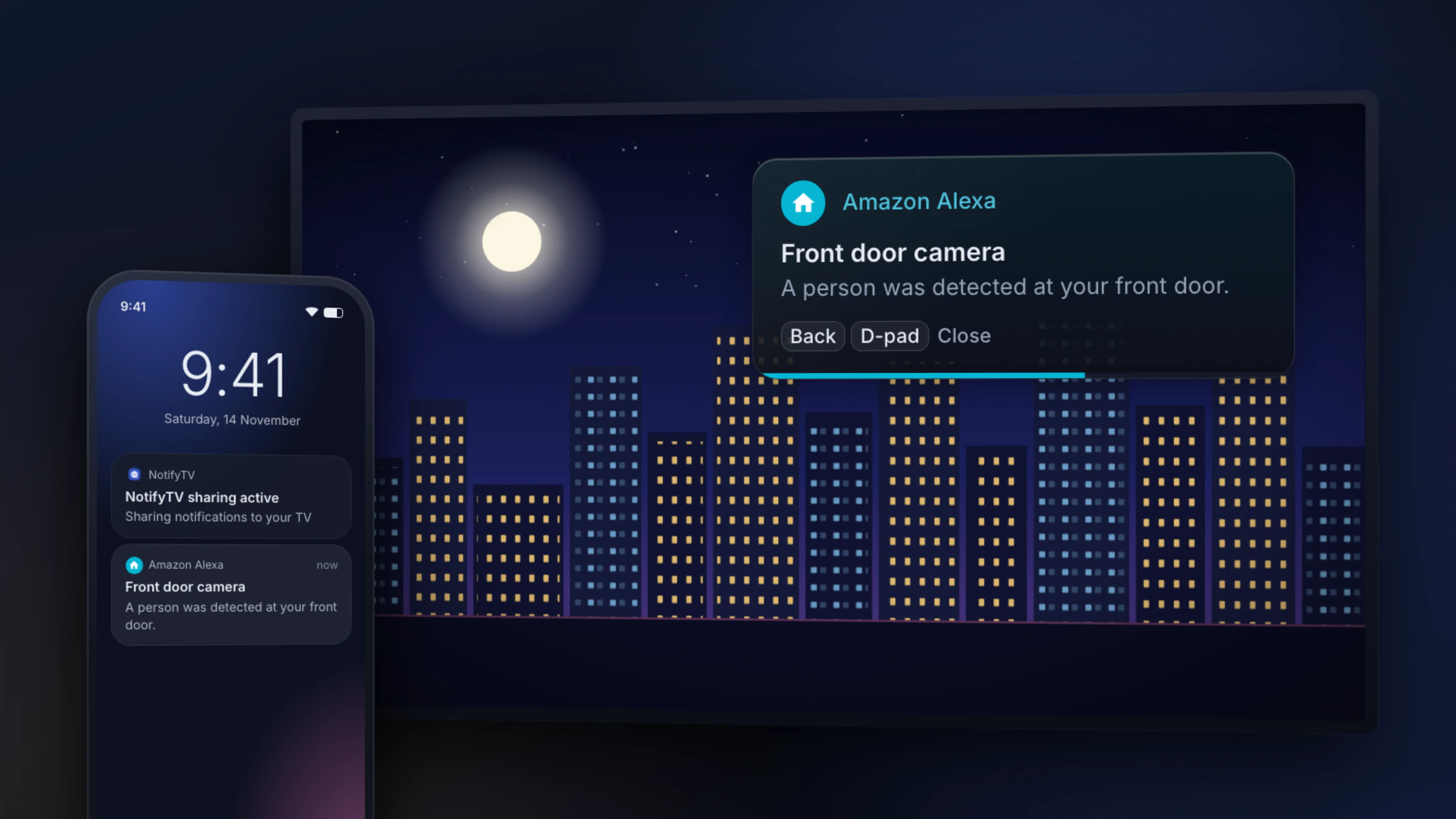
Alexa on Google TV and Android TV: what works
No Alexa app, but Alexa can control many Sony, TCL and Hisense TVs, and your Alexa app’s alerts can pop up on the TV.
Read the guide →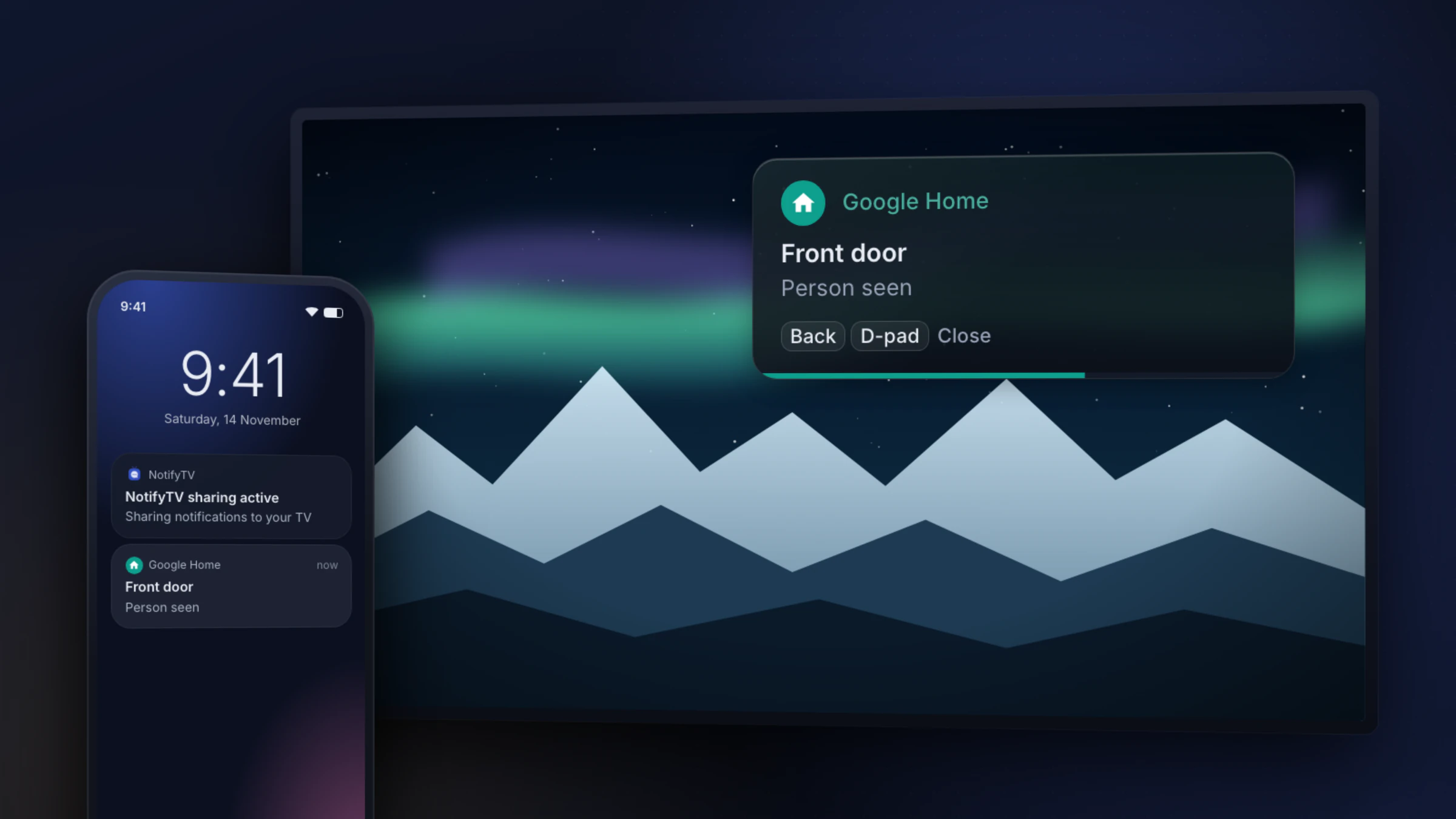
Google Home notifications on your Google TV
What Google TV shows by itself, what it doesn’t, and how to get the Google Home app’s other alerts on the TV.
Read the guide →
Your TV and setup
Check that your TV works, set up both apps, and understand what kind of TV you have.
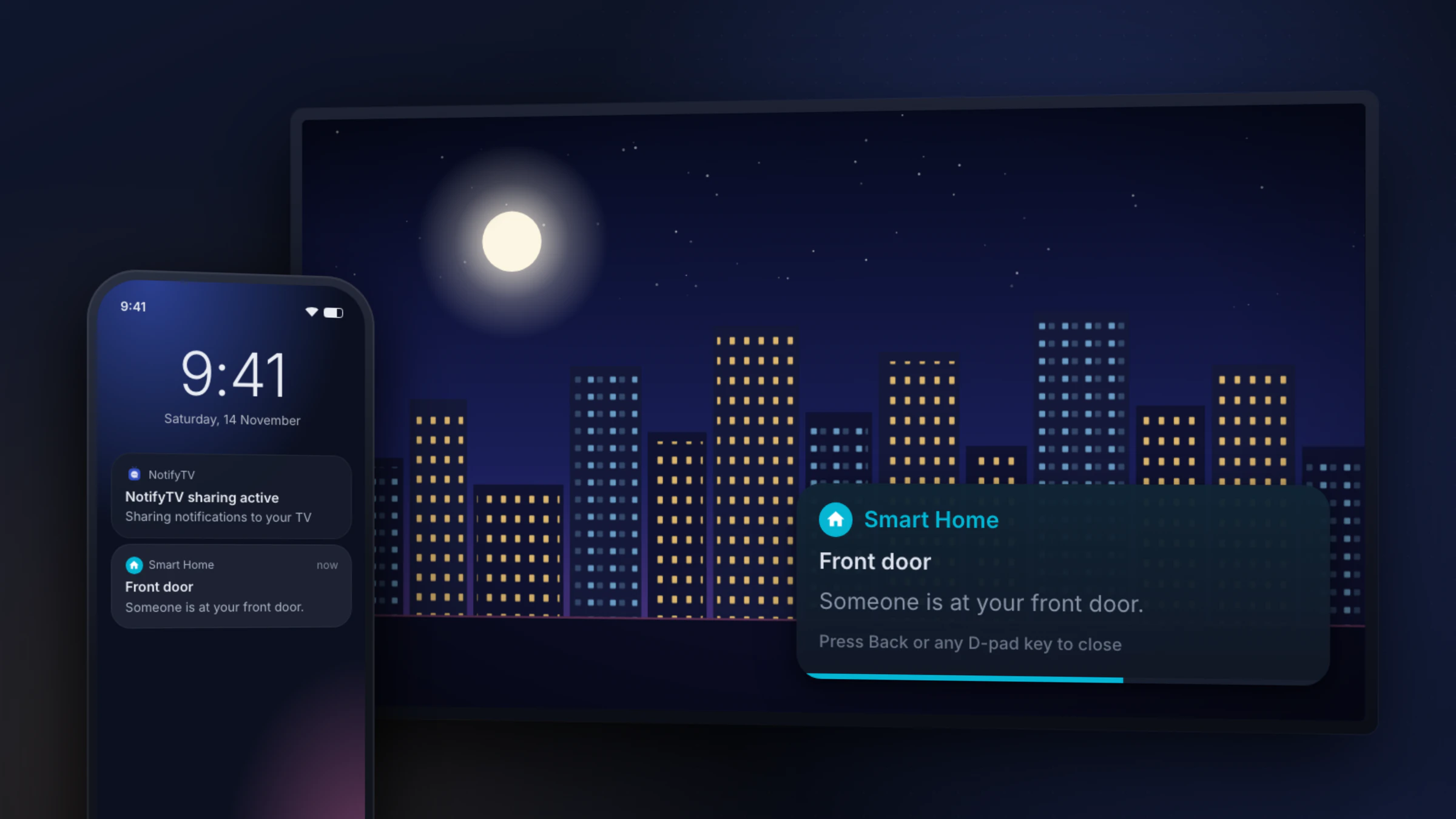
Which TVs work with NotifyTV?
Android TV and Google TV with Google Play, and why Samsung, LG, Roku and Fire TV don’t.
Read the guide →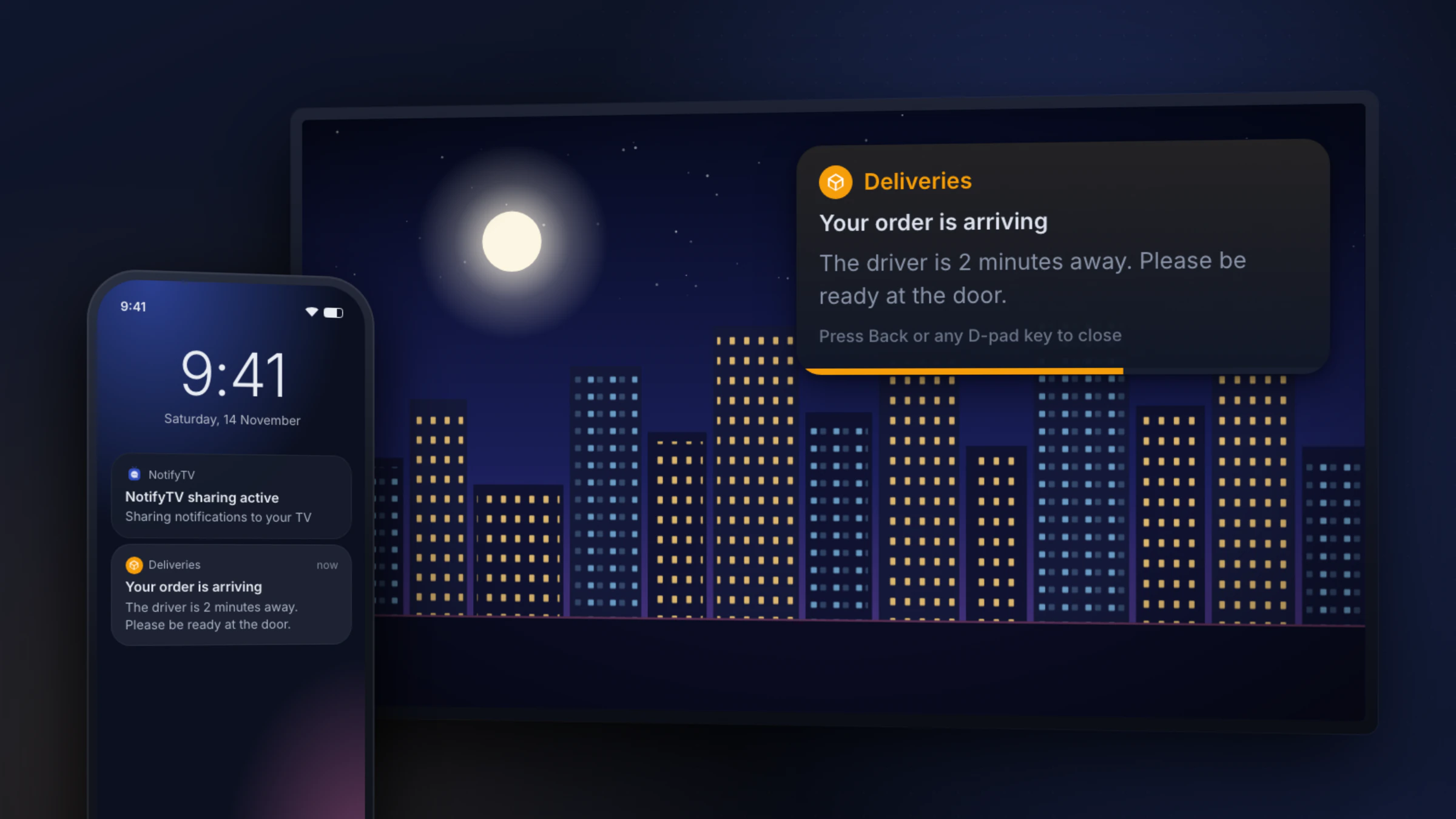
Set up NotifyTV and fix common problems
Install, pair, choose apps, and what to do when popups don’t appear.
Read the guide →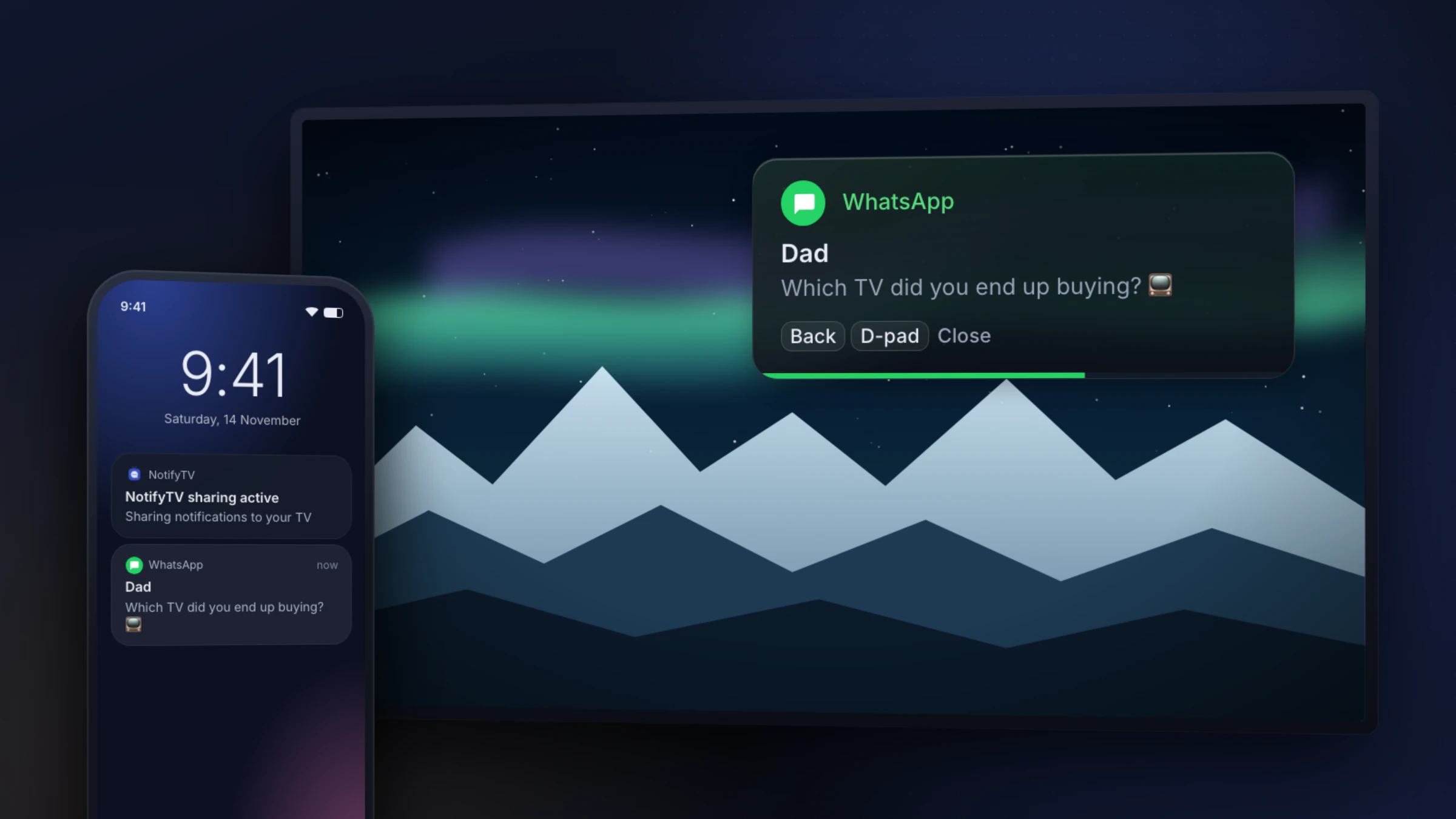
Smart TV systems compared: which has the most apps?
Google TV, Samsung, LG, Roku, Fire TV, Apple TV and more: app stores, extra apps and free channels, with sources.
Read the guide →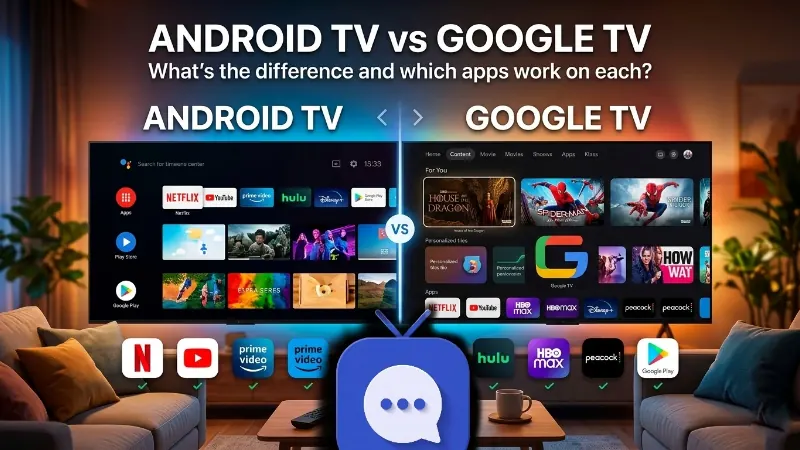
Google TV vs Android TV: what’s the difference?
Same apps, different home screen: a side-by-side table, how to tell which one your TV has, and which to buy.
Read the article →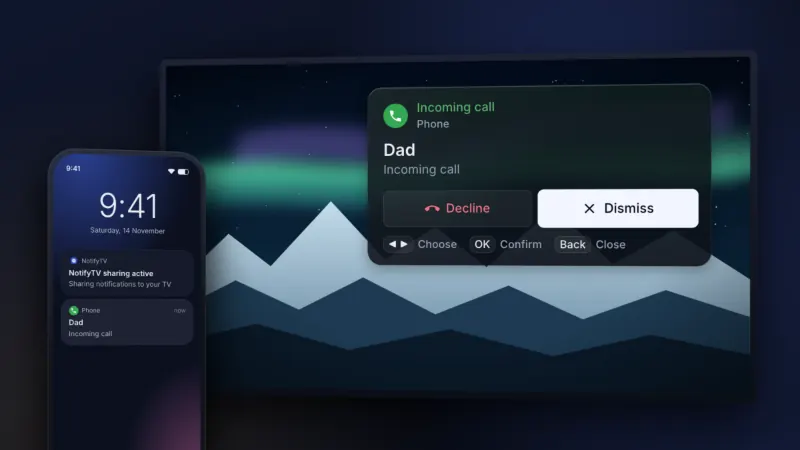
Turn off notifications on Google TV and Android TV
Silence one app, hide banners, stop Nest Doorbell alerts and fix “You’re missing important alerts”.
Read the article →
Compare apps
How NotifyTV and the other phone-notification apps for Android TV differ, with sources and dates.
Phone notification apps for Android TV, compared
NotifyTV, Notifications for Android TV, Android TV Notifier and TvOverlay side by side.
Read the guide →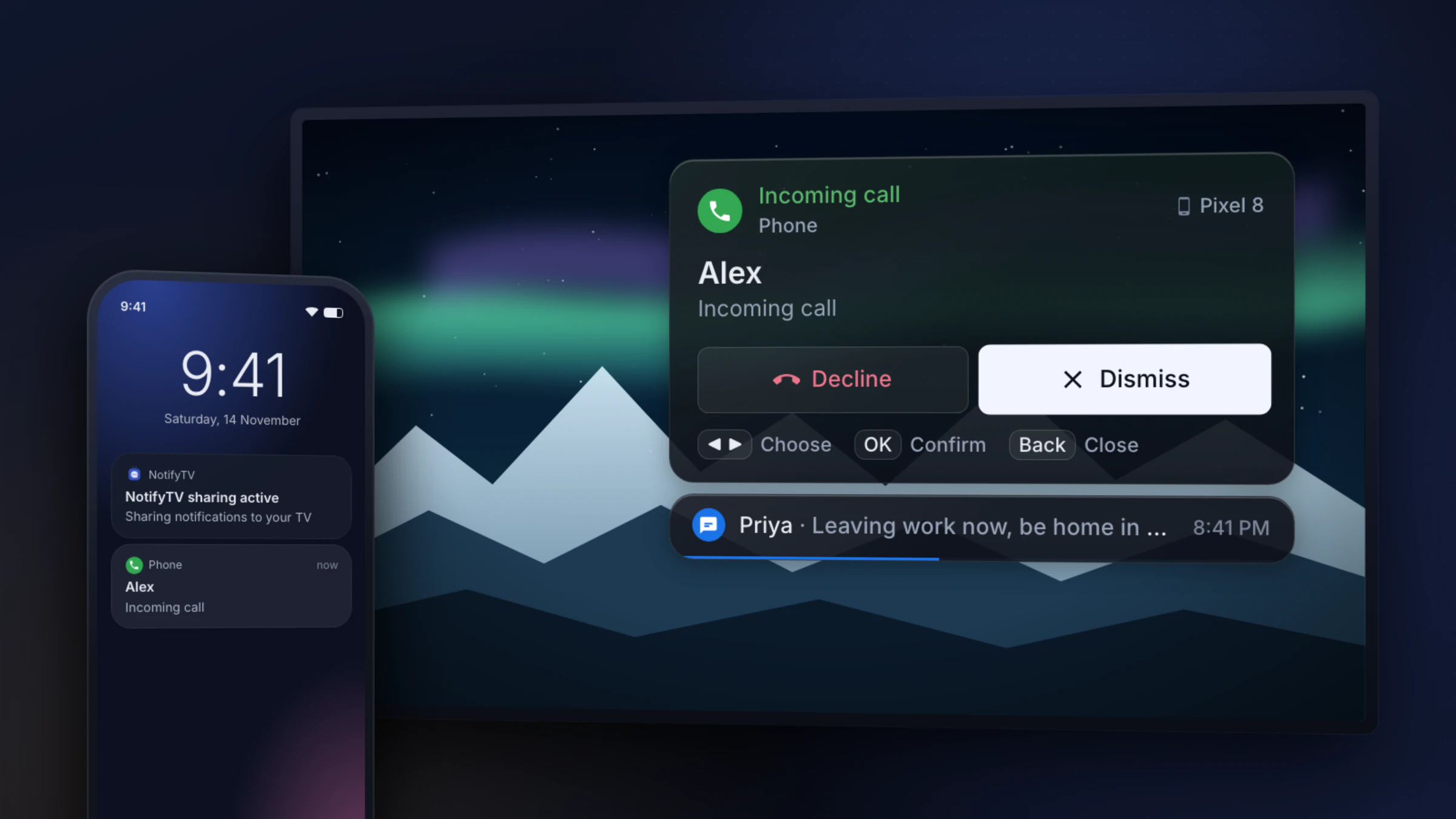
An alternative to Notifications for Android TV
NotifyTV and Notifications for Android TV compared on caller name, Fire TV, Home Assistant and price.
Read the guide →
From the blog
- How to Turn Off Notifications on Google TV & Android TVTurn off one app’s notifications, hide home-screen banners, stop Nest Doorbell alerts and fix “You’re missing important alerts” on Google TV and Android TV.
- Doorbell Notifications on Android TV and Google TVSee Ring, Nest, Eufy and other doorbell alerts on your Android TV or Google TV. What Google TV does by itself, and how to get any doorbell’s alert on the TV.
- NotifyTV 1.4: Reply to Messages From Your TVNotifyTV 1.4 adds Smart Reply, so you can answer texts and chats with your TV remote, plus Recent, new privacy choices and an optional Do Not Disturb setting.
- How to See Phone Notifications on Your TV (2026 Guide)Learn how to see phone notifications on your TV with NotifyTV. Get calls, messages, and alerts on your Android TV screen without touching your phone.
- Best TV Apps 2026 (Free & Paid) | Complete GuideDiscover the best TV apps of 2026 for streaming, live TV, and free content. Compare Netflix, YouTube TV, Samsung, Roku, Apple TV and more.
- Google TV vs Android TV: What’s the Difference? (2026)Google TV is the newer home screen on top of Android TV. Same apps, different interface. Side-by-side table, how to tell which one you have, and which to buy.
- Introducing NotifyTV: Phone Notifications on Your Android TVMeet NotifyTV — the free Android app that shows your phone notifications on your TV in real time. Privacy-first, family-ready, and built for the living room.