Google TV vs Android TV: the real difference
Google TV is the newer home screen on top of Android TV. Same apps, different interface. Side-by-side table, how to tell which one you have, and which to buy.
By NotifyTV TeamPublished Updated 8 min read
The short answer: Google TV is the home screen; Android TV is the operating system underneath it. Every Google TV runs Android TV OS, so the same Google Play apps work on both. What differs is the home screen, the recommendations and a few Google features such as profiles, the Watchlist and Gemini. In Google’s own words, “Google TV is powered by an underlying operating system called Android TV OS” (Google TV).
If you are shopping, most new TVs and streamers that use Google’s software now come with Google TV, so you are mostly choosing a TV, not a system. If you already own an Android TV, you are not missing any apps. We checked every fact about Google, TV makers and their devices on 17 November 2026.
Google TV vs Android TV at a glance
| Google TV | Android TV | |
|---|---|---|
| What it is | Google’s home screen and services, running on Android TV OS | The TV version of Android, with its original home screen |
| Home screen | Content first: tabs such as For you, Live and Apps, then shows picked for you | Apps first: a row of your apps, then a row of content from each app |
| Recommendations | From all your streaming services, per profile | Mostly from each app; some models add a Discover tab (since 2021) |
| Profiles | Personal profiles, including kids profiles | One shared home screen |
| Watchlist | Yes: add titles from the TV, the Google TV phone app or Google Search | No |
| Voice assistant | Gemini on eligible devices (Android TV 14 or newer, 2 GB RAM), otherwise Google Assistant | Google Assistant |
| App store | Google Play | Google Play, with the same apps |
| Smart home | Home panel for devices in the Google Home app | No Home panel |
| Simpler modes | Apps only mode; Basic TV (no Google account) on some devices | Already app-first |
| Updates | From the TV or box maker; new Google features such as Gemini arrive here | From the TV or box maker |
| Who sells it in 2026 | Current Sony BRAVIA, many TCL, some Hisense and Xiaomi TVs, Google TV Streamer, onn. boxes | Nvidia Shield TV, pay-TV set-top boxes, older TVs |
Sources: Google TV, Gemini on Google TV, Apps only mode and Basic TV, Home panel, Android TV’s Discover tab (9to5Google, which also found no Watchlist on Android TV).
How to tell which one your TV has
- Press Home and look at the top-right corner. A round profile picture (or your initial) means Google TV. A gear icon and a clock mean Android TV. Sony’s support page uses the same test.
- Look at the top of the home screen. Google TV has tabs such as For you (renamed Home in a 2025 redesign), Live and Apps, with a large featured row under them. Classic Android TV starts with a row of app tiles. Some Android TVs also have Home, Discover and Apps tabs, so the corner test is the safer one.
- Open Settings → System → About. Both show “Android TV OS” and a version number here, because Google TV runs on Android TV OS. This tells you the version (Gemini needs 14 or newer), not which home screen you have.
- Check the box or the spec sheet. Google TV models are sold as Google TV; Android TV models say Android TV.
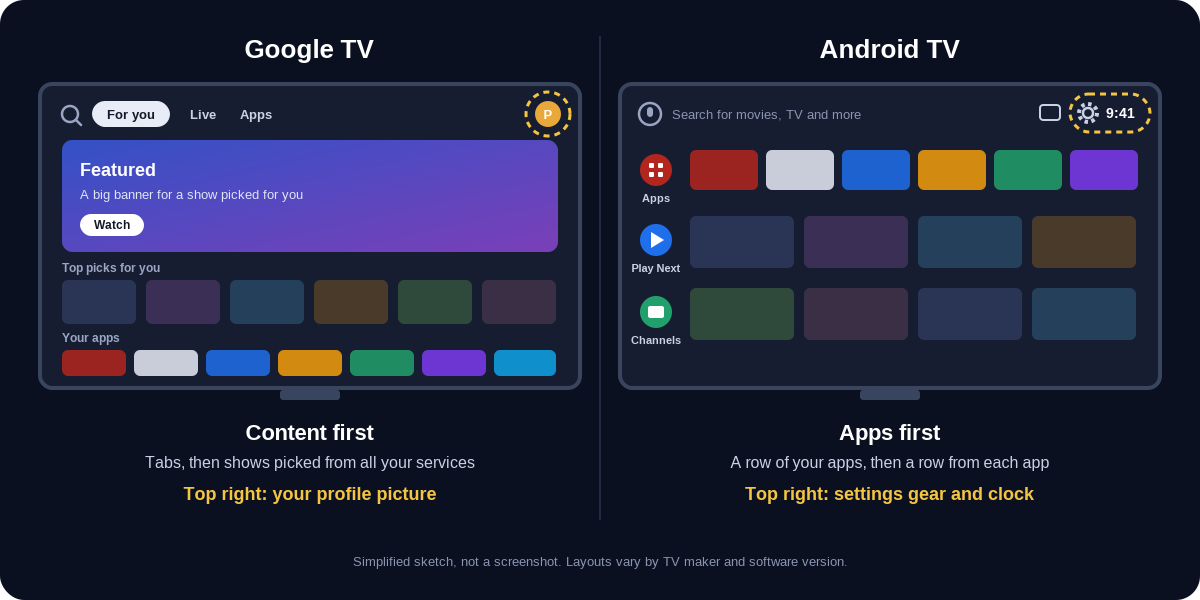
A simplified sketch, not a screenshot. The exact layout depends on your TV maker and software version.
Do Android TV apps work on Google TV?
Yes. Google’s developer guide says it directly: “All apps built for Android TV work on devices running Google TV” (Android Developers). Both use the same Google Play store and the same app listings. What changes is where you find your apps: in the Apps tab on Google TV, in the apps row on Android TV. For ideas on what to install, see our roundup of TV apps for 2026.
What can keep an app off your TV is an old Android TV version or the app itself, not the home screen. Some phone apps have no TV version on either system: WhatsApp, for example, has no official TV app (what works instead).
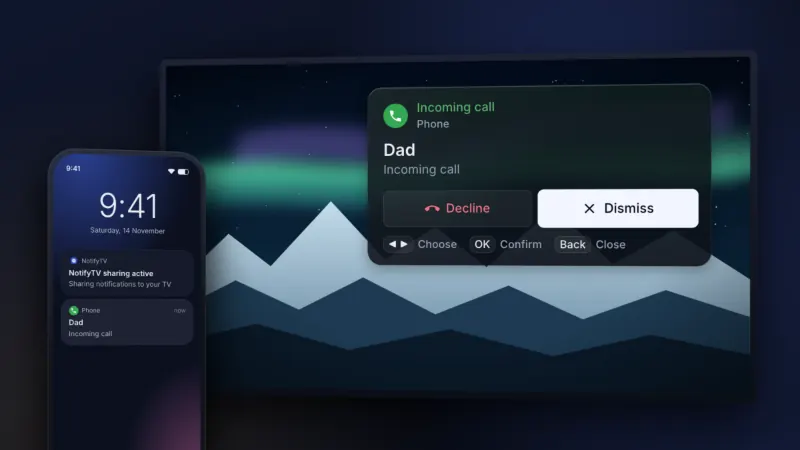
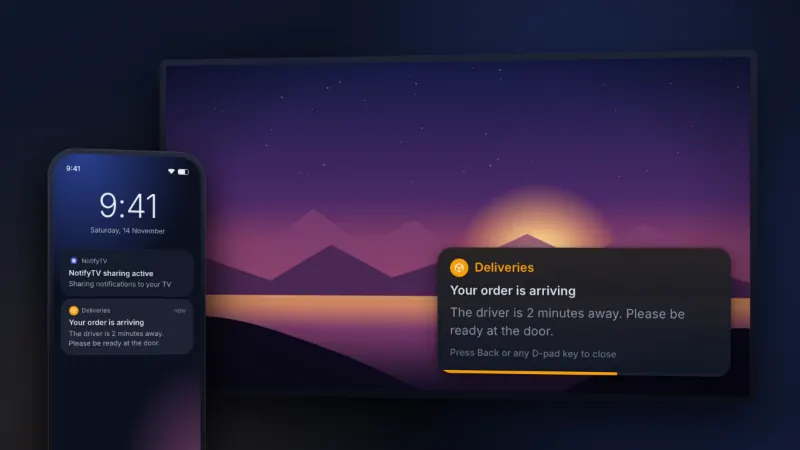
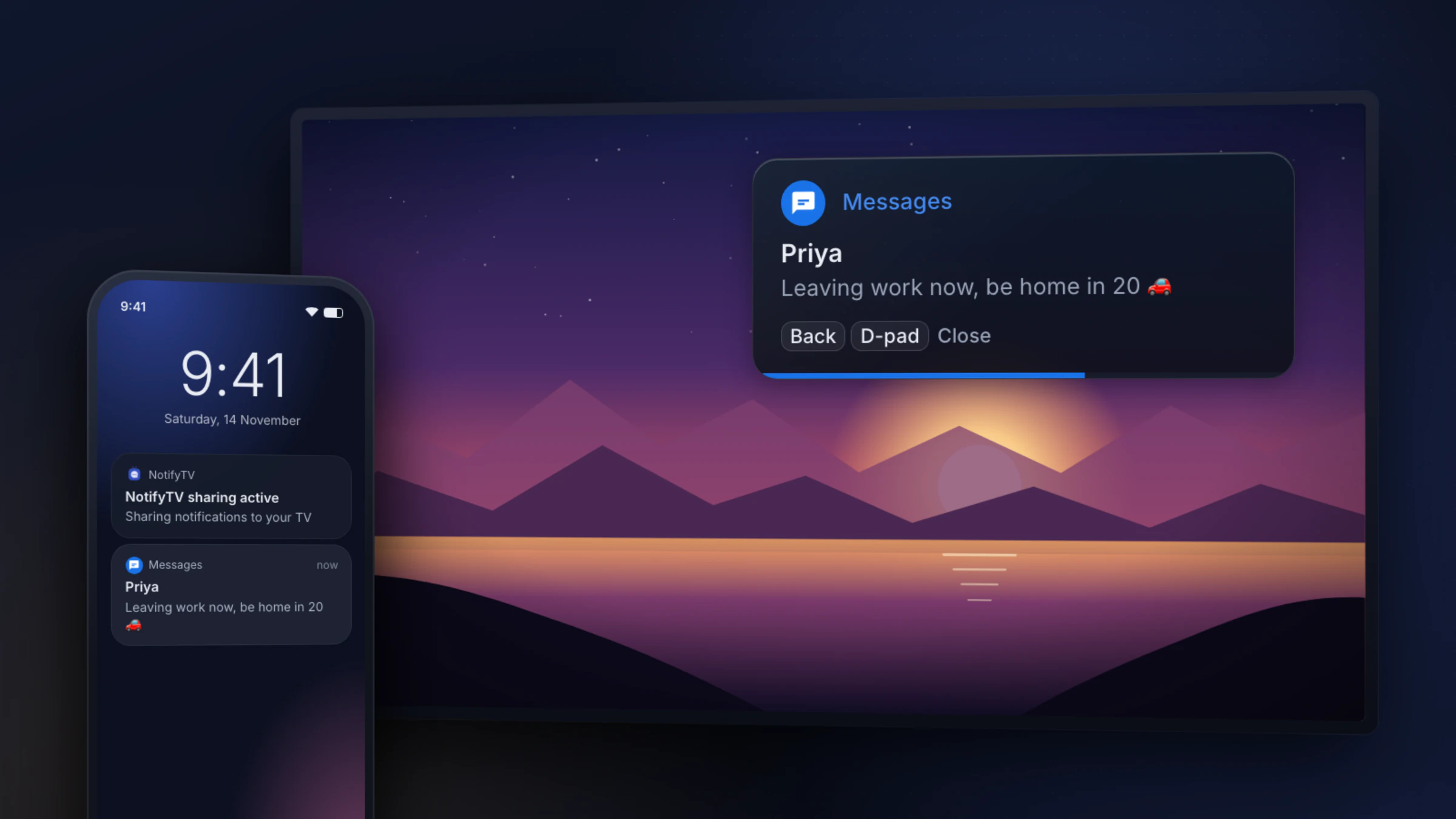
Out of the box, neither Google TV nor Android TV shows your phone’s calls or texts. Our own app, NotifyTV, does that for Android phones: the same TV app installs from Google Play on Google TV and on Android TV 8.0 or newer (see which TVs it works on).
Which TVs and streamers use which (2026)
Some brands sell the same TV with different systems (see Hisense below), so check the exact model before you buy.
- Google TV Streamer (Google, 2024): Google TV. 4K HDR with Dolby Vision and Dolby Atmos, 4 GB of memory, 32 GB of storage, Ethernet, Matter and a Thread border router. It launched at $99.99 in September 2024; the US Google Store listed it at $149.99 on 17 November 2026. Google’s spec sheet names the operating system as Android TV OS.
- Chromecast with Google TV (4K and HD): Google TV. Google ended Chromecast production in August 2024 and says existing devices keep getting software and security updates. The 4K model is on Google’s list for the newer Gemini.
- Sony BRAVIA: Google TV on current models; BRAVIA 7, 8, 9 and the A95L are on Google’s Gemini list. Older BRAVIA models run Android TV.
- TCL: Google TV on many models, including the QLED and Mini LED TVs on Google’s Gemini list. Some TCL models run other systems, so check the model.
- Hisense: depends on the model. In the US, the 2026 U7 comes as Google TV (U7SG) or Fire TV (U7SF) depending on the store, and the U6 runs Fire TV (Hisense, 9 March 2026).
- Philips (Europe): recent models ran Google TV, but Philips moved its whole 2026 range to Titan OS, which uses web apps instead of Google Play apps (9to5Google, 23 March 2026).
- Xiaomi: Google TV on models such as the X Pro QLED (2025) sold in India (Fonearena); check other models one by one.
- Walmart onn. 4K boxes (US): Google TV, and on Google’s Gemini list.
- Nvidia Shield TV: Android TV, upgraded to Android 11, and still updated: Shield Experience 9.2.4 arrived in February 2026.
- Pay-TV set-top boxes: often Android TV. Google’s Android TV site lists operators such as Airtel, Deutsche Telekom and Vodafone among its partners.
In India, Google TV sets come from Sony, TCL, Xiaomi and other brands, and Gemini on Google TV is available there. Some budget TVs and operator boxes still run Android TV, so look for the Google TV name on the box.
About version numbers: Android 16 for TV is the newest version of the operating system Google has released; the TV maker decides if and when your model gets it. Many TVs run older versions, and Gemini on Google TV needs Android TV 14 or newer. A version number says nothing about Google TV or Android TV: both come in several versions.
Which should you buy?
- You already own an Android TV that works: keep it. It runs the same Google Play apps; what you miss is mostly profiles, the Watchlist and Gemini.
- You are buying a new TV: most new TVs with Google’s software come with Google TV, so compare picture, sound, price and how long the maker supports it.
- You want a plain, app-first home screen: turn on Apps only mode on Google TV. You get your apps instead of personal recommendations, though Google says sponsored content and teasers still appear, and Search and the Assistant are off in that mode. For no smart features at all, some Google TVs offer Basic TV at setup.
- Several people share the TV: Google TV, for personal profiles and kids profiles.
- You want to talk to Gemini: a Google TV device with Android TV 14 or newer and at least 2 GB of RAM. Google keeps a list of supported models and countries.
- Your TV has no Google Play (Samsung, LG, Roku, Fire TV, Titan OS): plug in a Google TV streaming device, such as the Google TV Streamer or, in the US, an onn. 4K box.
- You are tempted by a cheap unbranded “Android TV box”: be careful. In June 2025 the FBI warned that criminals were using infected streaming boxes and other devices (the BADBOX 2.0 botnet), and named generic boxes advertised as “unlocked” or offering free content as a warning sign. Choose a known brand with Google TV or Android TV and Google Play.
- Ads and privacy: both home screens can show sponsored content (Android TV began showing a sponsored row in 2019). Google TV’s recommendations are tied to the Google account in each profile; Apps only mode and Basic TV cut that back.
And other smart TV systems?
“Smart TV” just means a TV with internet apps, and Google TV is one kind. What decides which apps you can install is whether the system has Google Play:
- Samsung (Tizen): Samsung’s own app store. No Google Play apps.
- LG (webOS): LG’s own app store. No Google Play apps.
- Roku: the Roku Channel Store. No Google Play apps.
- Amazon Fire TV: Fire OS is built from Android but uses the Amazon Appstore, not Google Play. The Fire TV Stick 4K Select (October 2025), the 2026 Fire TV Stick HD and the third-generation Fire TV Stick 4K run Amazon’s Linux-based Vega OS (AFTVnews, updated 5 October 2026) and can’t run Android apps.
- Titan OS: Philips’ 2026 range in Europe. It runs web apps, not Google Play apps.
- Apple TV (tvOS): Apple’s App Store.
For every system side by side, with app stores, free channels and which TVs use each, see smart TV operating systems compared.
Many brands now sell “AI TVs”. That is a marketing label, not a system: Samsung’s Vision AI runs on Samsung’s Tizen TVs, and Gemini comes to Google TV. Check which system a TV runs to know which apps it can install.
Frequently asked questions
Is Google TV the same as Android TV?
Not quite. Android TV is the operating system, and Google TV is the home screen and set of Google services that run on top of it. Every Google TV runs Android TV OS, so both install the same apps from Google Play. They look different: Google TV puts shows and recommendations first, Android TV puts your apps first.
Does Google TV use Android?
Yes. Google TV runs on Android TV OS, the TV version of Android. On a Google TV, Settings → System → About shows the Android TV OS version, and Google’s spec sheet for its own Google TV Streamer lists the operating system as Android TV OS.
Is Google TV better than Android TV?
Google TV has more features: personal profiles, a Watchlist, recommendations from all your streaming services and, on eligible devices, Gemini. Android TV is simpler and puts your apps first. Both run the same Google Play apps, so if your Android TV works well, apps are no reason to replace it.
Can I change my Android TV to Google TV?
Not by yourself. Google TV comes from the maker of your TV or box, so an Android TV model only changes if its maker releases an update for it. The simple way to get Google TV on an older TV is to plug a Google TV streaming device, such as the Google TV Streamer, into an HDMI port.
Do I need a Google account for Google TV or Android TV?
You need one to install apps from Google Play and to get recommendations, profiles and the Watchlist. Some Google TV devices offer Basic TV during setup, which works without a Google account or internet for live TV and HDMI inputs, but you can’t install apps in that mode.
Can I install APK files on Google TV?
Yes, on Google TV and Android TV alike, once you allow it. Turn on Developer options (Settings → System → About, then select Android TV OS build seven times), then allow the app you install from under Install unknown apps or Unknown sources. Menus vary by device. Apps from Google Play are the safer choice and update by themselves. Google’s developer verification for apps from outside Google Play started on 30 September 2026 for phones and tablets in Brazil, Indonesia, Singapore and Thailand; Google says TVs are not part of that first step.
Is Android TV 14 better than Google TV?
They aren’t alternatives. Android TV 14 is a version of the operating system, and Google TV is a home screen that runs on it. Google TV and Android TV devices both come with different Android TV versions. The version does matter for some features: Gemini on Google TV needs Android TV 14 or newer. You can check yours in Settings → System → About.
What’s the difference between Chromecast and Android TV?
The original Chromecast dongles had no home screen or apps: you cast video to them from your phone. Chromecast with Google TV (2020) added a remote and the full Google TV home screen, running on Android TV OS. Most Google TV and Android TV sets also have Google Cast built in, so you can cast to them as well. Google ended Chromecast production in 2024 and replaced it with the Google TV Streamer.