Release notes
What’s new in NotifyTV
Every update to the phone and TV apps. Updates usually reach both apps at the same time, and older and newer versions keep working together.
Updated
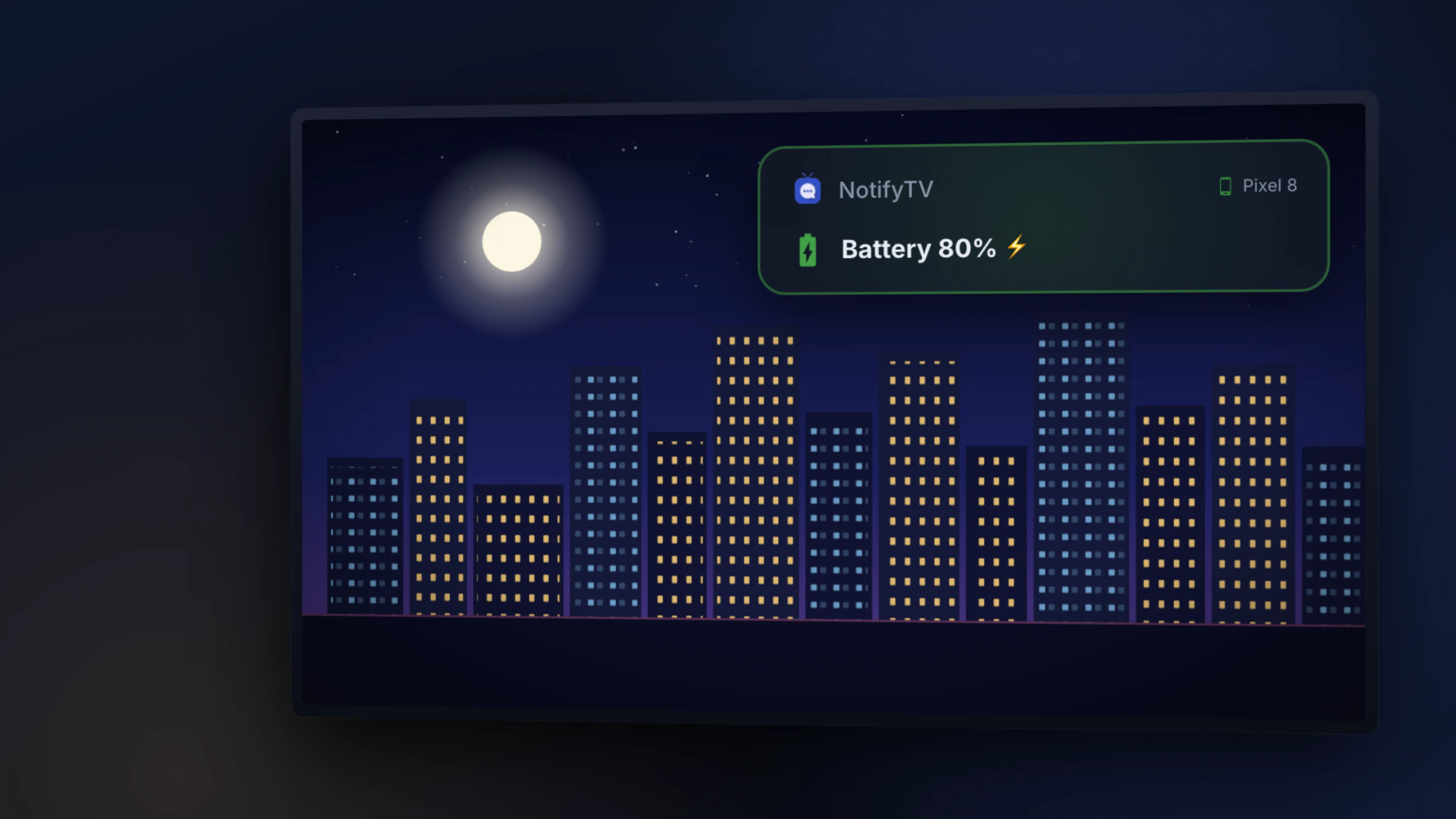
Version 1.4.0
AvailableReply to messages from your TV, and choose exactly what the TV shows
Smart Reply
- Reply to a message right from the TV popup. Press Down on the remote to reach the Smart Reply strip under the popup, pick a reply and press OK.
- Three quick replies, “Okay”, “Talk later” and “On my way”, that you can change in the TV’s Settings or from the admin phone’s TV settings.
- Type a reply with the TV’s on-screen keyboard, or say it into the remote’s microphone on TVs that support speech recognition.
- Mark as read and other actions the app offers in its notification.
- The popup’s timer pauses while you reply, and the TV shows “Sent ✓” when the reply has gone.
How Smart Reply works
- Your phone sends the reply through the messaging app’s own notification reply, so Smart Reply shows up for apps that support replying from the notification, like Google Messages, WhatsApp, Telegram or Signal.
- There’s no reply on calls; calls keep Decline and Dismiss.
- Don’t want it? Turn Smart Reply off on the TV and the strip never shows. Each phone can also turn off “Allow Smart Reply from TV”, because anyone with the remote could reply as you.
Follow phone’s Do Not Disturb
- A new phone setting, off by default. Turn it on and, while your phone is in Do Not Disturb, only what your phone itself lets through goes to the TV. In Silent mode, notifications and calls stay on the phone.
- The phone app’s Home introduces it, and suggests it while your phone is in Do Not Disturb or on Silent. Once it’s on, Home says when messages are held, with a Manage button that takes you to the setting.
- On the TV, Manage devices shows that phone as “Do Not Disturb on · not sending”. Other phones keep sending as usual.
- Reminders you set in NotifyTV still show on the TV. Notifications held back aren’t saved for later, so nothing floods in when Do Not Disturb ends.
Pairing and setup
- The TV’s setup shows the Google Play badge under the install code, so it’s clear that code installs the phone app and the next one pairs it.
- The phone’s setup guide is down to three steps, and Wi-Fi troubleshooting to four checks.
- The TV confirms with “Paired with” and your phone’s name. Out of the box, it uses the TV’s name from Android TV settings.
On the TV
- New Stack messages setting, on by default. Turn it off to see one message at a time; calls, alerts and reminders still show right away. The admin phone can change it too.
- Manage devices shows when each phone was last seen.
- Messages in Arabic, Hebrew and other right-to-left languages are laid out right to left.
- The ad card that sometimes showed among your popups is gone. Banner ads stay inside the TV app’s own screens.
On the phone
- Recent shows the last 50 notifications NotifyTV caught and what happened to each one: sent, hidden as a code, app turned off, TV unreachable or held by Do Not Disturb.
- Privacy opens with “What your TV shows”: Message (Full or Hide text) and a new Sender setting (Name, Hide numbers or Hide), each with a line that says what it does. Hidden numbers show as “Hidden number”; with Hide, messages show as “New message” and calls as “Incoming call”. Smart Reply still works.
- The app theme can follow your phone: System (the default), Dark or Light.
- One connection status on Home. It also tells you when the TV is paused, in Do Not Disturb, can’t show popups or has muted your phone.
- Reconnects sooner when the TV comes back, for example when you unlock your phone or a notification arrives.
Fixes
- Decline from the TV during call waiting now declines the new call instead of ending the one you’re on. It uses your phone’s own Decline button.
- Bug fixes and stability improvements.
Older versions keep working with 1.4. Smart Reply, Stack messages from the phone and the phone’s Do Not Disturb status on the TV need version 1.4 of both apps. Follow phone’s Do Not Disturb itself works whatever the TV app’s version.
Version 1.3.0
AvailableA fresh new look, reminders and more control from your phone
A fresh new look
- Both apps are redesigned on one shared design with the Inter font, and adapt to phones, tablets and TVs.
- Dark and light themes on the phone and the TV. The TV app is dark unless you choose light.
- Choose how popups look: Modern (frosted glass, the default), Classic (the 1.2 card) or Flat (a solid card), dark or light, in five sizes from 1x to 5x.
- Popups show small key hints, such as OK View and Back Close, so it’s clear what each remote button does.
Remind me
- Set reminders in the phone app and choose where they show: on the phone, the TV or both.
- Once, or repeating every day, on weekdays, at weekends or on the days you pick.
- On the TV, reminders get through a pause and calls-only mode. If the TV can’t be reached, the reminder shows on the phone instead.
- A new Next reminder widget for your home screen.
TV settings from your phone
- The first phone you pair is the TV’s admin and can change the TV’s settings from the phone: app theme, popup theme, style, size, duration and position, sound, battery alerts and the TV’s name.
- The TV shows a short “TV settings updated” card with what changed and on which phone.
- Move admin to another phone in the TV’s Manage Devices.
- Pair your phone with several TVs and switch between them in the phone app.
On the TV
- Stacked notifications: up to four popups at once, each with its own countdown, instead of one after another.
- Calls go on top, and other cards keep counting down and flowing in underneath.
- Back or any direction key clears the whole stack at once; a “+N more” chip shows what’s waiting.
- Watch the setup video from the TV’s Setup Guide.
On the phone
- A setup video and a quick “Report a problem” button in the setup guide, on pairing errors and when the TV can’t be reached.
- The Notification sharing widget is redesigned.
- Ads in lists and on the TV are banners only.
Fixes
- Popups no longer freeze while a call card is showing.
- Bug fixes and stability improvements.
Older versions keep working with 1.3. Reminders on the TV and TV settings from the phone need version 1.3 of both apps; the phone tells you when the TV app needs an update.
Version 1.2.0
AvailableSteadier connection and safer call control
Stays connected
- Reconnects by itself after a Wi-Fi drop, a TV restart or an app update, without opening the app.
- Notifications that arrive during a short drop-out (up to a minute) are delivered when the phone reconnects.
- Finds your TV again if it gets a new address on your network.
- When the TV is switched off, the phone stops retrying every few seconds and shows a Retry button instead, which saves battery.
Calls
- The call popup has Decline and Dismiss buttons, with Dismiss selected, so a stray OK press won’t end a call.
- Decline only reaches the phone that is ringing, and only while it is still ringing.
- The popup closes as soon as the call is answered or ends, and stays up to 45 seconds while it rings.
- Outgoing calls, calls in progress and voicemail are no longer shown as incoming calls.
On the TV
- The “Tomorrow” pause, which ended at midnight, becomes “Till 7 AM”, and calls still get through while notifications are paused.
- Long messages you open with OK stay on screen until you press Back.
- Popups are easier to read over bright scenes.
- Works on TVs connected by Ethernet as well as Wi-Fi.
- Clear All and Remove Device ask before deleting anything.
On the phone
- A banner tells you when the TV can’t be reached, with a Retry button.
- A reminder to turn off battery optimization if your phone might stop NotifyTV in the background.
- Fewer false OTP hides: words like “opinion” or “shopping”, and dates such as “12 March 2026”, no longer trigger it.
- Removing a TV asks you to confirm.
Version 1.1.0
AvailableClearer connection status and faster call alerts
What changed
- Connection banners on the phone and TV, plus a Wi-Fi troubleshooter.
- Faster incoming-call alerts and a clearer call popup on the TV.
- Send feedback from the app’s settings.
- Interface polish and bug fixes.
Version 1.0.3
AvailableStability fixes
What changed
- Crash fixes on the phone and TV apps.
Version 1.0
AvailableNotifyTV launches on Google Play
First release
- Phone notifications and calls as popups on Android TV and Google TV.
- QR-code pairing, automatic discovery and manual IP pairing.
- Choose which apps forward, Sender only mode and hidden OTP codes.
- Several phones per TV, ring a phone from the TV, battery alerts and notification history.